
Implementation
A Shell example worked locally but became an embedded card in WordPress. Here is how my static build, single-article publishing, and live checks fit together.
A code example looked correct in my local preview and broke after publication. WordPress turned a URL inside the Shell example into an article preview card, covering part of the command. The page still returned HTTP 200 and the article was still readable around it.
That incident explains my setup more clearly than a generic static-site checklist. SeoGeo Tech uses a local static build to prepare content, but readers receive a WordPress page. This walkthrough follows those two outputs and shows where I now compare them.
Where the static build ends
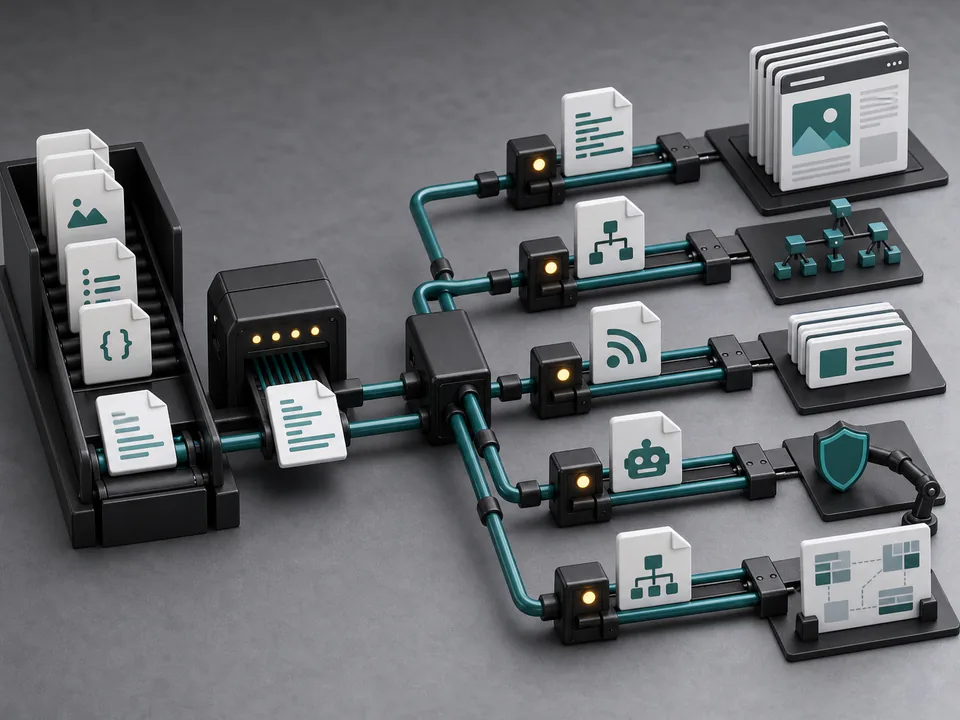
I inspected the build and publishing scripts for this revision on October 11, 2026. Article records in src/site-data.mjs hold the slug, title, description, dates, and body. scripts/build.mjs uses them to create complete HTML pages for local preview, plus a separate WordPress export.
src/site-data.mjs
  -> scripts/build.mjs
     -> dist/articles/<slug>/index.html   local preview
     -> dist/wp-content.json              publication payload
     -> dist/wp-inline-style.html         article layout CSS

dist/wp-content.json + selected media + inline CSS
  -> scripts/wp-publish.mjs --only=<slug>
  -> WordPress Page
  -> public HTML after WordPress processing
The WordPress export includes a custom header with navigation, the rendered article content, and a custom footer. The publisher inserts these together into the WordPress Page’s content field, alongside the inline layout CSS and a custom Article JSON-LD block. It also rewrites media references to WordPress upload URLs. It does not upload the complete local HTML document with its own document head.
WordPress and Astra still provide the outer document and theme containers, while Rank Math adds metadata and its own structured data. To avoid displaying two headers and footers, the exported CSS hides Astra’s #masthead and #colophon on pages with the wp-theme-astra body class; it also hides the theme’s .entry-header. The visible navigation and footer come from the exported content. This is CSS suppression of the theme elements, not their removal from the HTML, so a theme change would require checking those selectors again.
That division determines what I inspect. A correct canonical in the local HTML does not establish what Rank Math emits online. A working local image path must become a reachable production URL. Two schema sources can also describe the same author differently, as the Article JSON-LD inspection documents.
The code block that passed the local check
The affected page was the Technical SEO Implementation Checklist. Its source used a standard pre/code block, but the first command continued onto a line containing only the article URL. In the public HTML, that line had become a blockquote and an iframe with the wp-embedded-content class.
The correction published on October 9 kept the URL inside a Shell assignment. The commands then referenced the variable:
url='https://seogeo.tech/articles/technical-seo-implementation-checklist/'
curl -L -o /dev/null -w '%{http_code} %{url_effective}\n' "$url"
curl -L "$url" \
  | grep -Ei '<title>|rel="canonical"|<h1'
Removing the bare URL line avoided the observed auto-embedding trigger while preserving executable commands. I did not disable embedding across the site. After publication, the code block contained the command text without the preview card.
The mobile check mattered too. At a 375px viewport, the live code block had more content width than visible width and used horizontal scrolling; the page itself remained 375px wide. Keeping white-space: pre preserved the command’s line breaks and indentation. This was a rendering fix, not a speed measurement.
One article is the publication unit
I build the project first, inspect the selected page locally, and then select its slug for publication. These are the commands for this article; the dry run prepares the selection without changing WordPress:
npm run build
npm run publish:wp:dry -- --only=static-site-seo-geo-setup
npm run publish:wp -- --only=static-site-seo-geo-setup
The publisher requires WordPress credentials supplied through environment variables. In its selective branch, it looks up the Articles parent and the requested child page, then updates that page’s content. The script returns after the selected article; it does not proceed through the full article list.
There is a practical tradeoff: publishing an article does not also refresh every card that links to it. If a title changes, an index or playbook can retain an old label until that entry page is updated separately. I prefer to make that follow-up explicit because a content build and a site-wide release are different operations.
Generated files need their own deployment path
The build also writes sitemap.xml, robots.txt, feed.xml, and llms.txt under dist/. Their presence proves that local generation succeeded. The article publisher does not install those files at the production root.
I found a concrete example when checking /llms.txt: it redirected to an HTML article even though the local build contained a Markdown file. The separate llms.txt inspection records that response and the unresolved deployment work. It would be misleading to call all generated files live merely because the article publish command succeeded.
What I compare after WordPress has processed the page
I open the public URL and compare the part that changed with the local preview. For a code example, I check the actual command text and copyable characters, then look inside the live pre element for unexpected markup. For an image change, I check the production source and whether the full image remains visible at a narrow width.
Metadata needs a separate look at the final head. The metadata and canonical example shows that inspection; the post-publication QA article covers the wider release checks. I do not need to repeat both procedures here.
The local build remains useful: I can inspect a change before it reaches readers and keep content edits in version control. But the extra WordPress stage creates a responsibility I cannot delegate to a successful build message. The version to sign off is the one at the public URL.